Coolest Guides on the Planet

coolest guides on the planet

Coolest Guides On The Planet

  • Home
  • macOS
  • WebDev
  • All Posts
  • Contact

Hiding the Meta Generator Tag in WordPress in the Header and RSS

July 8, 2011 Leave a Comment

How to hide the Meta Generator tag in the WordPress Header and RSS Feeds
meta-tag-generator

meta-tag-generator

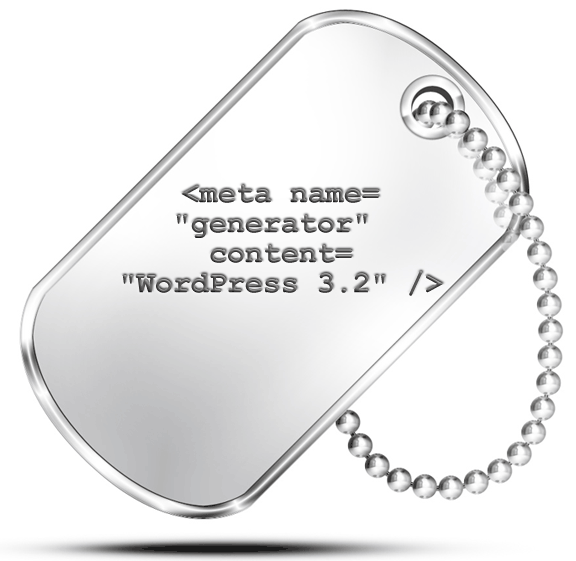
If you check the source code of your WordPress blog, in the header section you will see a meta tag named ‘generator‘ directly below the title tag:

<meta name="generator" content="WordPress 3.4.2" />

The purpose of the tag is  to state the name and version  of the application tool used to create your website. The bad thing about this is that it openly declares what software and version you are using – if that software and version are out of date and subject to exploitation by a hack you are leaving yourself wide open.

In the WordPress installation folder, go to and open the functions.php file from your theme folder  or  just edit the file directly in WordPress via Appearance>Editor>functions.php – it has a onscreen title of theme functions and at the bottom of the file add this following php snippet:

// hide the meta tag generator from head and rss
function disable_version() { return ''; }
add_filter('the_generator','disable_version');
remove_action('wp_head', 'wp_generator');

Update the file, and reload the home page, check the source code and you will see the generator tag for WordPress is no longer visible.  More importantly always keep your WordPress version up to date.

Cats: Tech, WordPress Tags: custom, generator, meta, php, tag, tags, version

Tags

3gs 10.6 apache backup baseband boot clean urls cpanel css curl custom database drupal el capitan git Google image instadmg ios iphone jailbreak keys lion mac macos mojave macos sierra menu mysql OSX panda php phpmyadmin private public redirect redsn0w remote rsa SEO shell ssh terminal unstoppables upgrade urls

Donate a Beer to the Coolest Guides

Get Beaver Builder Now!

Discuss

3gs 10.6 apache backup baseband boot clean urls cpanel css curl custom database drupal el capitan git Google image instadmg ios iphone jailbreak keys lion mac macos mojave macos sierra menu mysql OSX panda php phpmyadmin private public redirect redsn0w remote rsa SEO shell ssh terminal unstoppables upgrade urls
Get DesktopServer

Lynda

Lynda.com Online Training Videos

TreeHouse

smlinks

Learn WordPress
osx-modify-shell-path

How to Add to the Shell Path in macOS Big Sur and Catalina using Terminal

October 19, 2019

virtual-hosts osx 10.10 yosemite

Set up Virtual Hosts on macOS Catalina 10.15 in Apache

October 19, 2019

Installing Homebrew on macOS Catalina 10.15, Package Manager for Linux Apps

October 18, 2019

Where is the bash shell in macos Catalina?

October 12, 2019

Refine your search

  • All
  • Modules
  • Themes
  • Documentation
  • Forums & Issues
  • Groups

RSS ars technica

  • Six things I'll remember when I think about Tim Cook's version of Apple
  • Why are the Mac mini and Mac Studio gradually becoming impossible to buy?
  • Apple stops weirdly storing data that let cops spy on Signal chats
  • John Ternus will replace Tim Cook as Apple CEO
  • Apple chooses Amazon satellites for iPhone, years after rejecting Starlink offer

RSS mac surfer

  • iOS 27 to Overhaul Photos App With AI Editing
  • Apple Defeats California App Store Favoritism Bill
  • Apple Vision Pro Used in First Cataract Surgery
  • Apple Releases iOS 26.5 Beta 4 for Developers
  • OpenAI Secretly Builds Smartphone to Rival iPhone

Donate

Copyright © 2026· Neil Gee - All Rights Reserved - Hosted by Runcloud

Copyright © 2026 · gee on Genesis Framework · WordPress · Log in